顯示具有 課堂練習 標籤的文章。 顯示所有文章

2011年1月3日 星期一

Lab 39 Packet Sniffer

1. Install Protocol Analyzer Ethereal at http://www.wireshark.org/


2. Capture the packets at your Ethernet interface card.


3. Enter a login required website that you often go to, such as web mail. Don't use the real account or password.

4. Try to catch the packet that contains the password.


首先,先至 http://www.wireshark.org/ 下載軟體


中間有3個大圖示,選左邊下載


 選擇作業系統


安裝完成後,開啟軟體
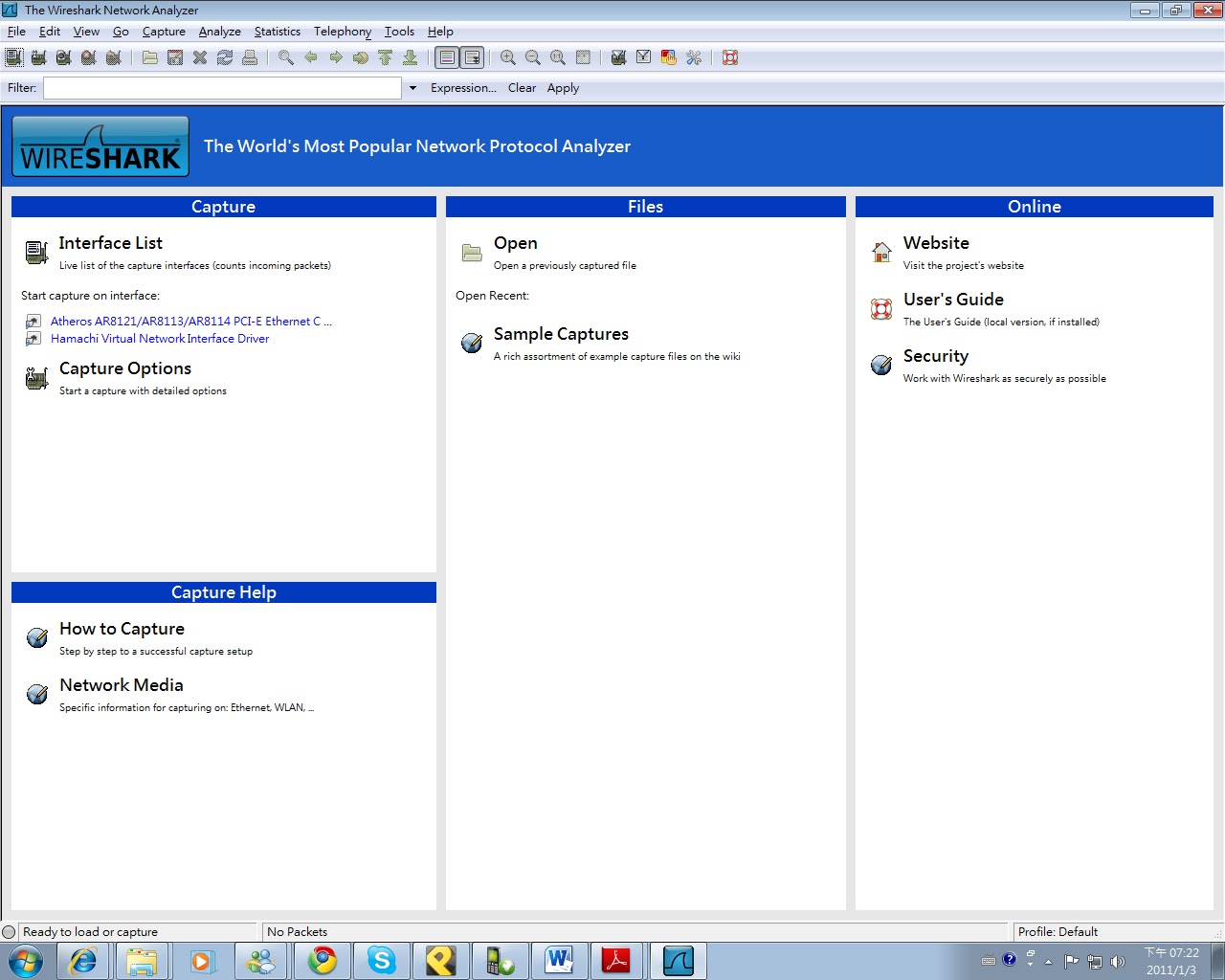

按左上方的List  the available capture interfaces...

選取上面那個,數值有在跑的那個


你會看到一堆數值瘋狂的跑出來


使用bbs測試,圖中為台大ptt


   在上列filter輸入telnet就可以只看到telnet的封包,
選擇上列工具列的Analyze→Follow TCP Stream


圖中的qqwweerraassddff為帳號qwerasdf,123456為密碼。


當然,上述帳密均為虛設,請勿使用真正的帳密做實驗,以
免遭有心人士利用。


Lab 38: Google Analytics

1. Enter Google Analytics
2. Put the code provided by Google Analytics in your own blog.


3. Check the results to see the daily traffic chart, the recent visitors by locations.


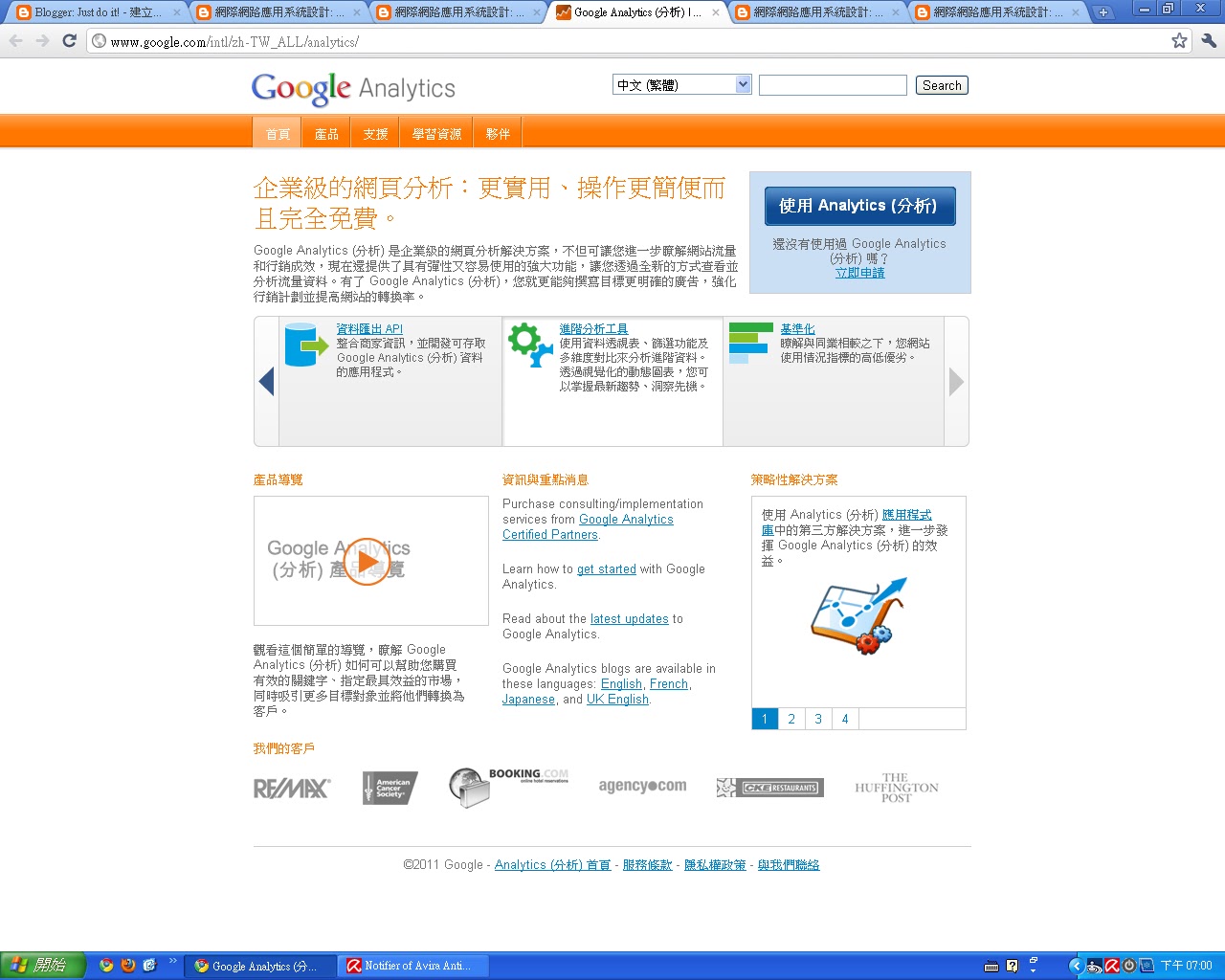
首先至  Google Analytics 使用分析


依照指示完成步驟
1.


2.


3.


4.

5.可以看到程式碼

6.瀏覽資訊(完成圖)


2010年12月13日 星期一

Lab 37 製作一個報名網站

社團,學校,公司舉辦各種活動,少不了一個報名網站。利用
免費的Google 文件加上Google 部落格,就可以製作一個乾淨
俐落的報名網站。

請參考以下範例,製作一個報名網站。
http://eecscycu.blogspot.com/2010/12/99.html


首先進入google文件,點選新增→表單

 表單編輯介面


選擇問題類型


輸入表單內容


新增問題表格


當表單完成後,選取"更多動作"→"嵌入"


可以看到一段網址,將他貼在編輯文章內容,就可以將他嵌入了^^


完成品

Lab 36 Speed Test

測試中原大學與中央大學對外頻寬速度。

Tool: Speedtest

cycu proxy: proxy.cycu.edu.tw:3128
圖示
[URL=http://www.speedtest.net][IMG]http://www.speedtest.net/result/1068759829.png[/IMG][/URL]
http://www.speedtest.net/result/1068759829.png

ncu proxy.csie.ncu.edu.tw:3128
圖示
[URL=http://www.speedtest.net][IMG]http://www.speedtest.net/result/1068758662.png[/IMG][/URL]
http://www.speedtest.net/result/1068758662.png


no proxy
圖示
[URL=http://www.speedtest.net][IMG]http://www.speedtest.net/result/1068760542.png[/IMG][/URL]
http://www.speedtest.net/result/1068760542.png

2010年12月6日 星期一

Lab 35: Blog Cloud


Build a blog cloud for your blog.


1.選擇"新增小工具"
2.點選"標籤"


選擇雲端


紅色框框內就是囉^^


Lab 34 Syndication with RSS 2.0

1. 進入你的部落格,登入,選擇自訂


2. 新增小工具

3. 選取 資 訊提供 新增


將 RSS 或 Atom 資訊提供的內容加入您的網誌。

Blogger 製作


輸入欲追蹤網址


勾選想要的功能


4. 撰寫或貼上所需連結(範例)


Lab 33 匯出部落格

1. 將你的部落格匯出為 XML,請使用blogspot 已經提供的匯出工具


2. 在blogspot 新建一個空白部落格。


3. 將剛才匯出部落格匯入到新的部落格


4. 檢查匯出情況,是否有出現異常,資料遺失或被變更?

就只有文章被複製,其他個人化介面都不見了。

2010年11月22日 星期一

Lab 32: DOM

1. Open KompoZer
2. Based on the code as in

http://www.scottandrew.com/weblog/articles/dom_4 ,
write a code to generate the table of 9*9 products. (九九乘法表)

Hint: The javascript code should be enclosed by script tags.


參考網址的程式碼


九九乘法表就出來囉^^

有Button版本

變成先看到Button

按下Button後會出現九九乘法表


Lab 31: Create Image using DOM

1. Open KompoZer
2. Hand code a javascript that loads an image from Internet based on
the DOM model.
3. Take a look at the sample code that shows how window.onload to load the image.
4. Use a button to load the image. Try how onclick works.


一開始照著程式碼打


會發現圖案直接顯示


加入Button的程式碼後


一開啟網頁後,顯示出Button

按下Button後,會顯示圖案